Back to projects02 / Local AI / agent workstation
Commander Plus
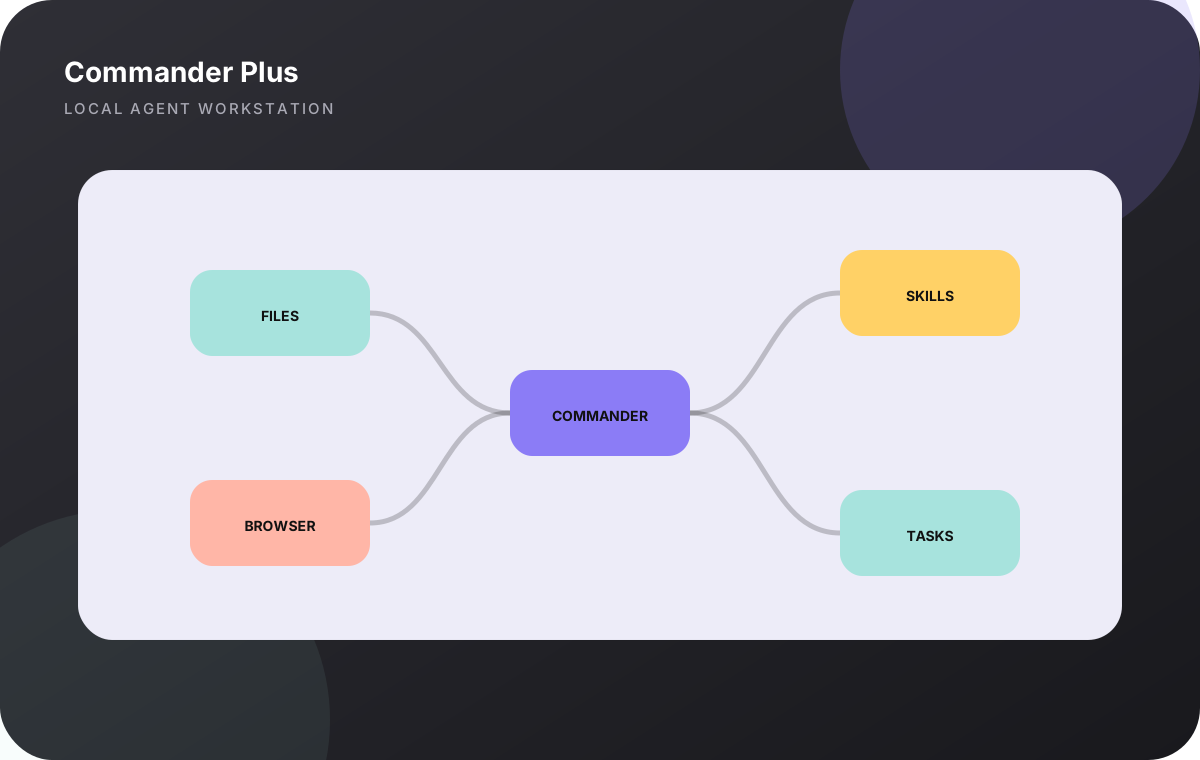
Commander Plus is a local control plane for letting AI work across real files, browsers, projects and workflows while keeping execution close to the machine.
The problem
Chat is useful, but serious work breaks when every new session has to rediscover the project, tools cannot touch the real environment, or long tasks disappear when the conversation changes.
How I approached it
- 01Treat each real project as a persistent workspace instead of a disposable prompt.
- 02Expose local capabilities through structured MCP tools rather than brittle copy-paste workflows.
- 03Package repeatable procedures as reusable skills and keep project memory separate from transient chat.
- 04Add health, task and mission primitives so longer work can be inspected and resumed.
03 / WHAT SHIPPED
Key features
- Persistent workspaces
- Local file and terminal control
- Authenticated browser control
- Reusable skill packages
- Project indexing and retrieval
- Guardians and health checks
- Durable tasks and missions
- Git and GitHub intelligence tooling
Architecture
- Core
- TypeScript
- Control
- MCP tools
- State
- Persistent local workspaces
- Browser
- Authenticated Chrome control
- Automation
- Tasks, guardians, missions
- License
- MIT
What COMMANDER is built to preserve.
- Execution before explanation
- Persistent context without hiding state
- Structured tools instead of blind UI automation
- Local-first where local access materially helps
Useful answers, without the hunt.
What is Commander Plus for?
It is designed for AI-assisted work that needs real project context and execution across local files, browsers, Git repositories and repeatable workflows.
Is Commander Plus cloud-only?
No. Its core positioning is local-first: workspaces, project files and many execution surfaces remain close to the user’s machine.
Is Commander Plus public?
Yes. The public repository is available on GitHub under the MIT License.